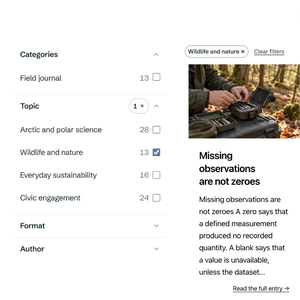
Free Squarespace filters and search with Monocle Collections
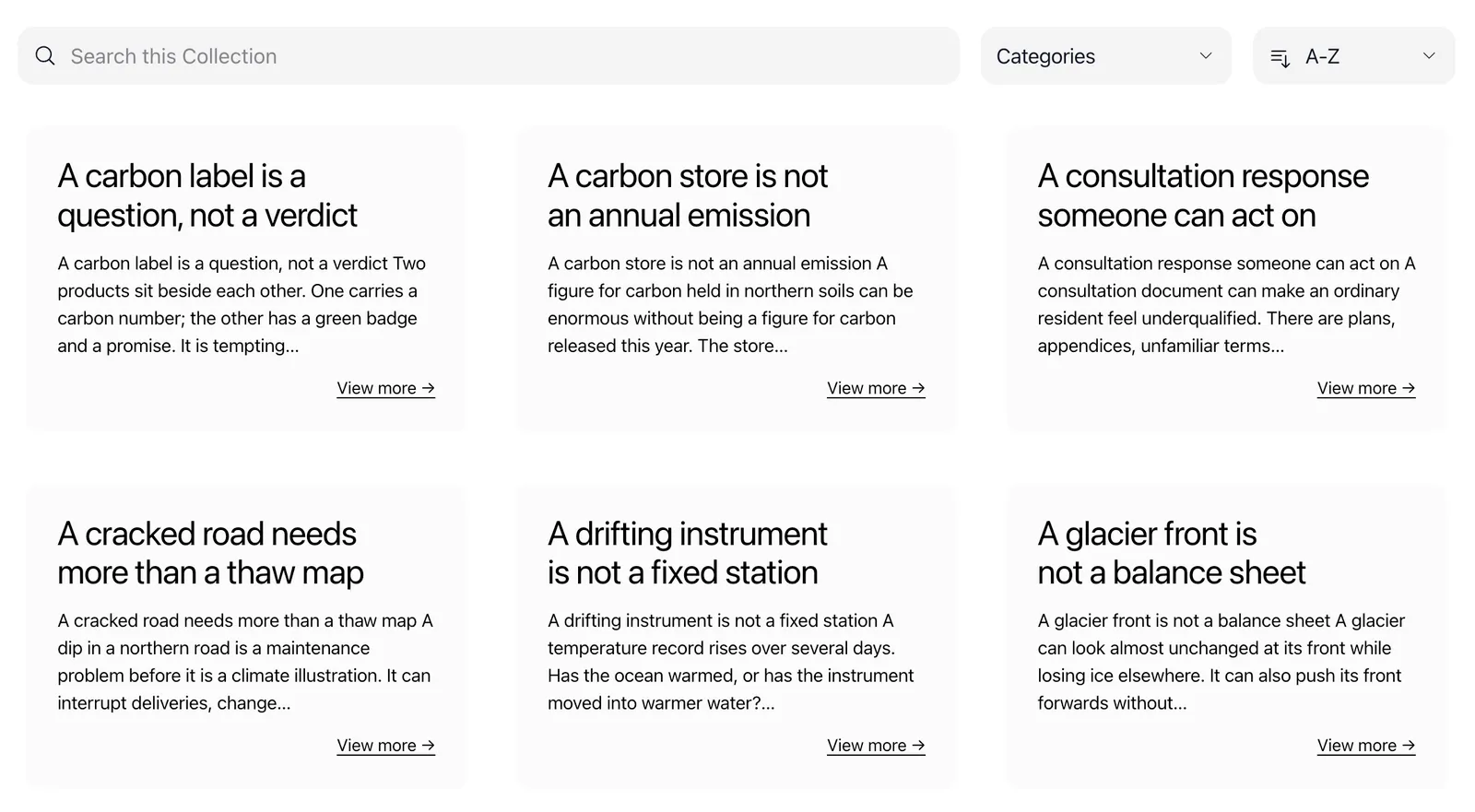
Monocle Collections is a free Squarespace filter plugin with search. It puts your blog posts on one page, where visitors filter by category or tag and search within the results.
No credit card required
Why older posts get lost
A Squarespace blog page sorts posts by date. Once a page is full, everything older sits behind a link to older posts at the bottom.
Squarespace's built-in categories can help there. A visitor picks one category and Squarespace loads a separate page with those posts. A summary block can show a category too, but you choose it in the editor and visitors cannot change it.

What changes with Collections
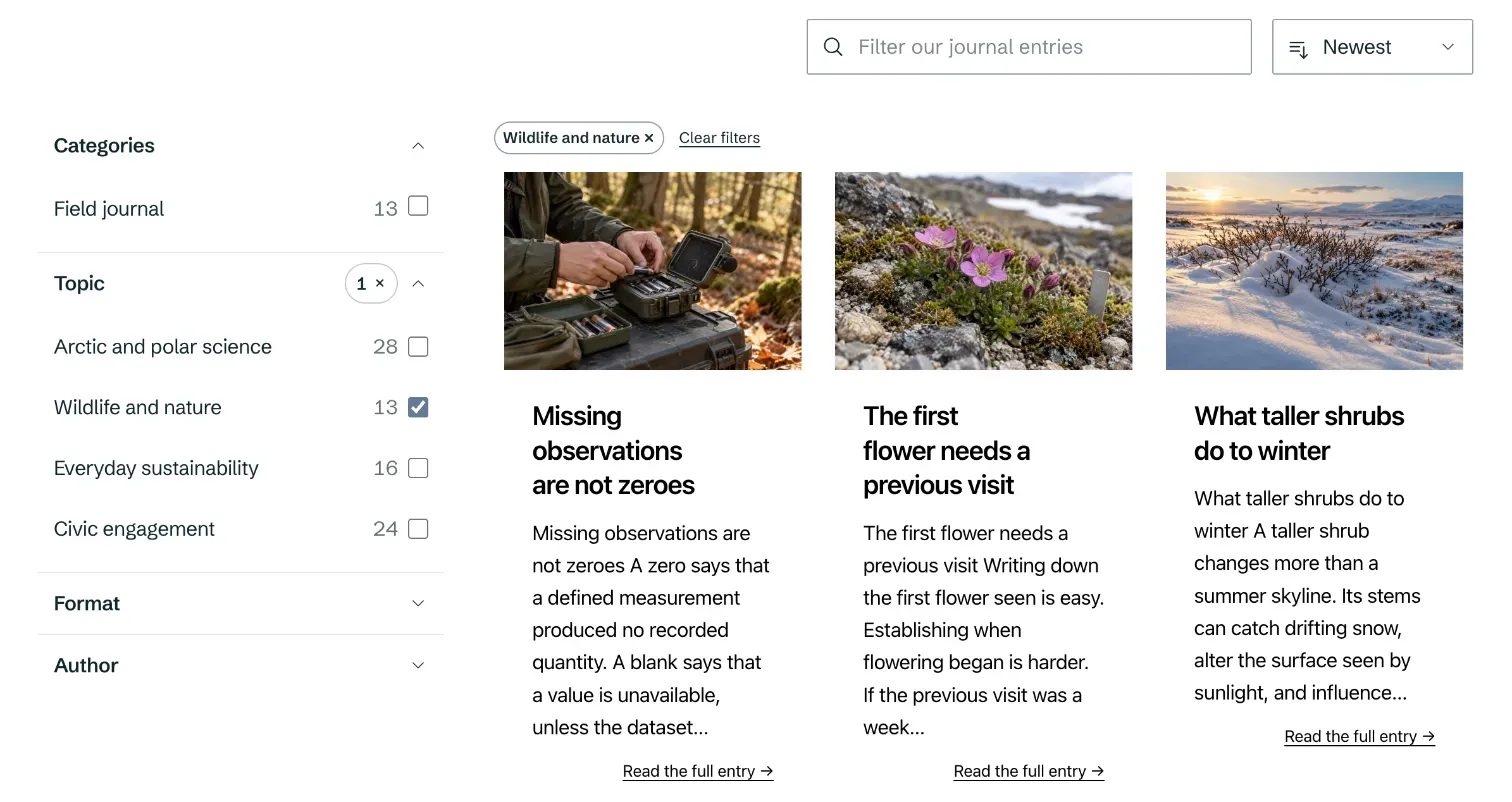
Every filter option shows how many posts it matches, and the address keeps the visitor's choice, so a filtered list can be shared as a link.
Filters work for blog posts and products, and a Collection can also list other pages that Monocle has indexed.
| Topic | Squarespace on its own | With Monocle Collections |
|---|---|---|
| Choosing a filter | One category at a time, on a separate page | Several filters at once, on the same page |
| After a click | The page reloads | The list updates straight away |
| Older posts | Behind a link to older posts | In the same list, filtered and searchable |
| Search | A separate search block | Powerful, typo-tolerant real-time search by Monocle |
Try it on this page
This is the Collection from the demo journal, running on this page. Pick a category or search for a word.
Made for sites with a lot to browse
Collections suits sites where the archive matters as much as the latest post. A church that publishes a sermon every week has hundreds after a few years, and members look for a speaker or a series, not a date.
If you build Squarespace sites for clients, every site can use Collections on Monocle's free plan, so there is no separate filter plugin to buy for each project.
Recommended by top Squarespace experts






Add a Collection to your site
You create a Collection in Monocle and choose what it shows. It uses the categories and tags you already set in Squarespace, so there is nothing to import. New posts appear after Monocle's next crawl, which runs once a day on the free plan.
Then you paste the HTML and script supplied by Monocle into a code block on any Squarespace page, on 7.0 or 7.1. The guide on how to add a filter to a Squarespace blog has every step, and the video below shows the setup.
Collections is in beta. If something does not work as expected, write to hello@monocle-search.com.
Collections on every plan
Collections is included in every Monocle plan at no extra cost. What a Collection can show depends on the plan.
| Feature | Free plan First 500 pages indexed | Starter | Core | Professional |
|---|---|---|---|---|
| Virtually unlimited pages | ||||
| Filters and search | ||||
| Sort by relevance or A to Z | ||||
| Image grids and your own card design | ||||
| Sort by date | ||||
| Choose where the filters sit | ||||
| Product prices, sale labels, and price and stock filters |
New sites start with a 15-day trial of every feature. If you do not choose a paid plan, the site moves to the free plan and its Collections keep working, without images.
Common questions
- Is Monocle Collections free?
- Yes, including on sites with more than 500 pages. The free plan only indexes the first 500 pages, so a Collection may not include every relevant item. Collections on the free plan do not include images. Images need Core or Professional.
- Which content can visitors filter?
- Visitors can filter pages, including blog posts, on every plan. Core and Professional also include documents. Professional adds custom content and products, including product prices, sale labels, and price and stock filters.
- Do I need to write code?
- No. Paste the HTML and script supplied by Monocle into a Squarespace code block, then set up your filters in Monocle. On Core and Professional, you can use the design editor to change the design without writing any code.
- Does it work with Squarespace 7.0 and 7.1?
- Yes. Collections works on both versions, including pages built with Fluid Engine, because you add it with a code block.
- Does a Collection slow down my page?
- Collections is built to keep your site fast and work safely for you and your visitors. It loads quickly from our global network of servers without affecting the rest of your page. Images load as visitors scroll, and with infinite scrolling enabled, more content loads as they browse.
- Can I match the design of my site?
- Yes. On Core and Professional, use the built-in designer to make a Collection fit your site. Collections is built to be easy to restyle with custom CSS for smaller tweaks. For full control over the design, choose the unstyled version.
- What happens if I stop paying?
- If you stop paying, your site moves to the free plan. Your Collections keep working with the free plan's features, without images and limited to the first 500 indexed pages. Your saved designs become available again when you upgrade.